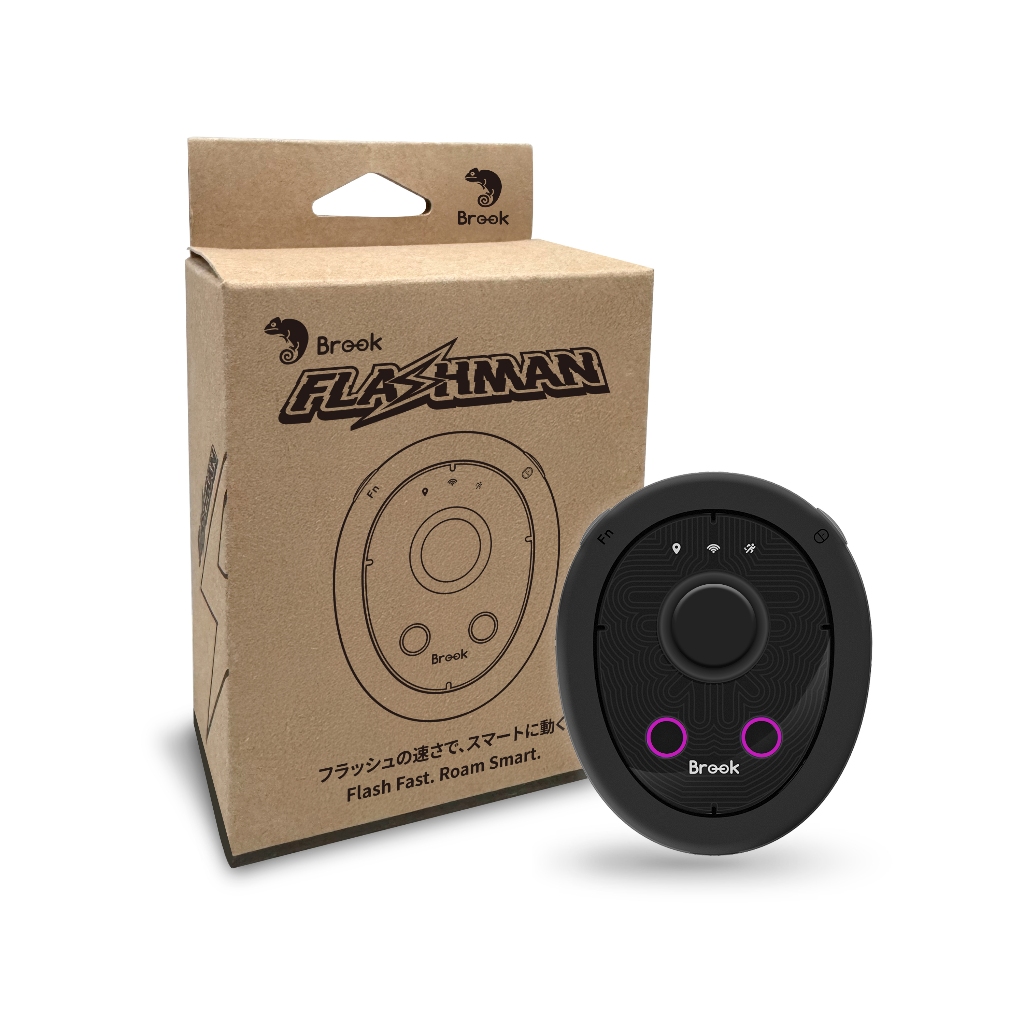
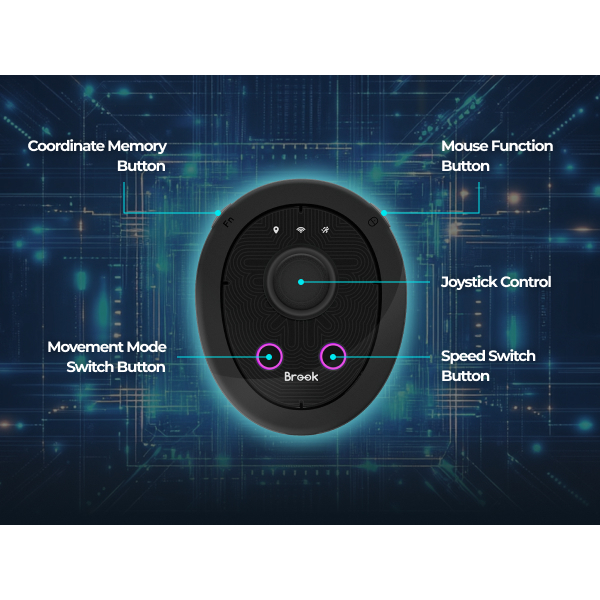
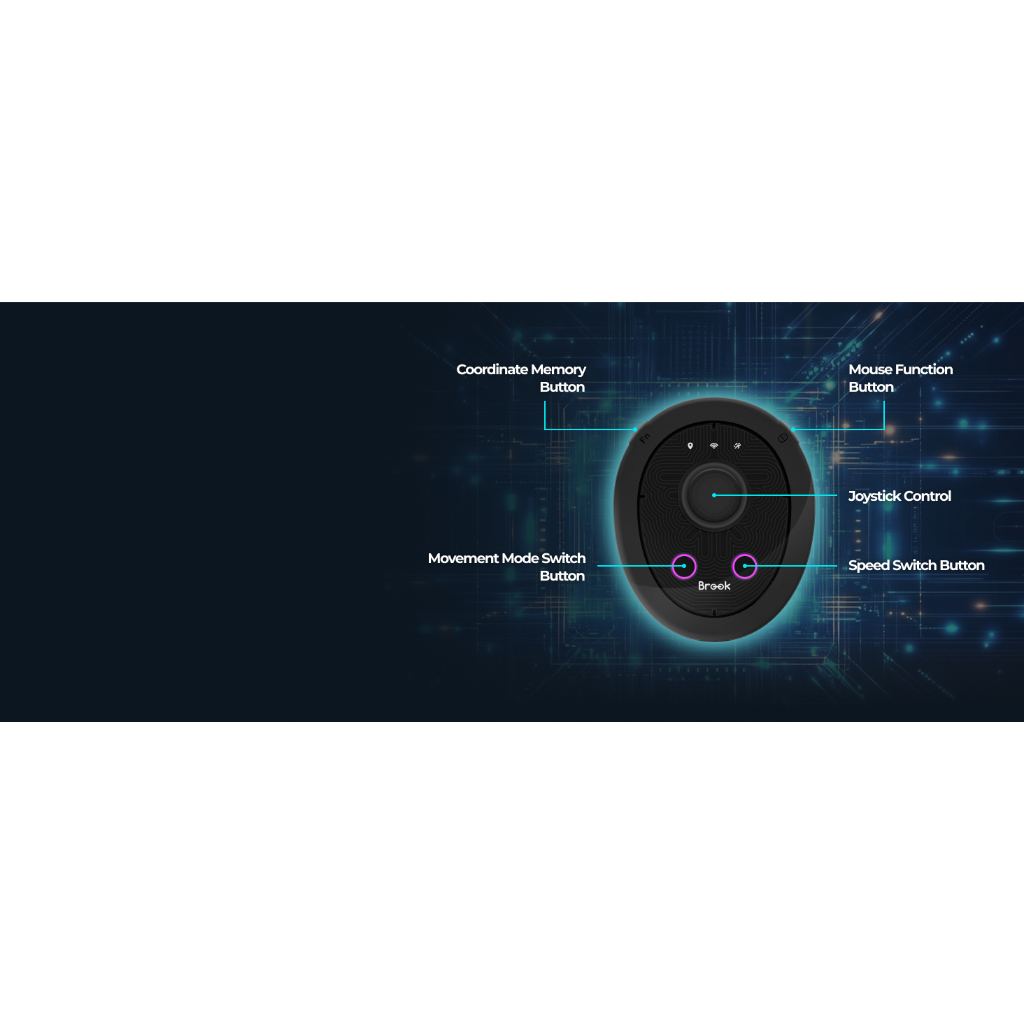
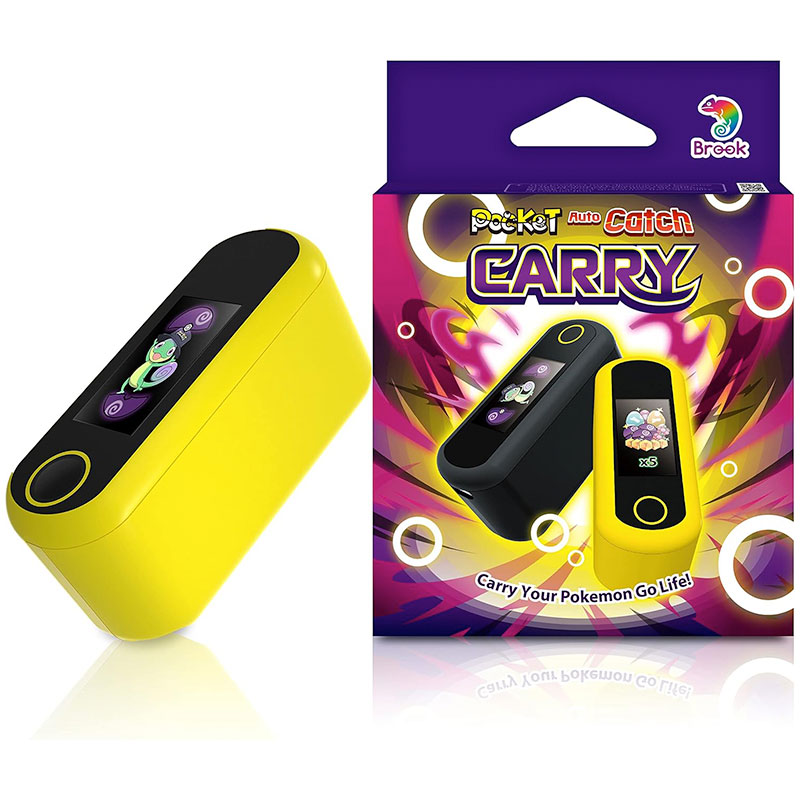
Enhance your location-based gaming experience with the Brook Flashman! Designed for compatible iPhones, this innovative Bluetooth GPS joystick offers convenient virtual movement controls, helping you navigate supported apps and games with greater flexibility. Featuring a 360° virtual joystick, Fly/Teleport function, and automatic walking capabilities, Brook Flashman is a practical accessory for users looking for a more convenient way to control virtual movement without jailbreaking their devices.
Key Features
- 360° Virtual Joystick: Enjoy flexible directional movement with intuitive joystick controls.
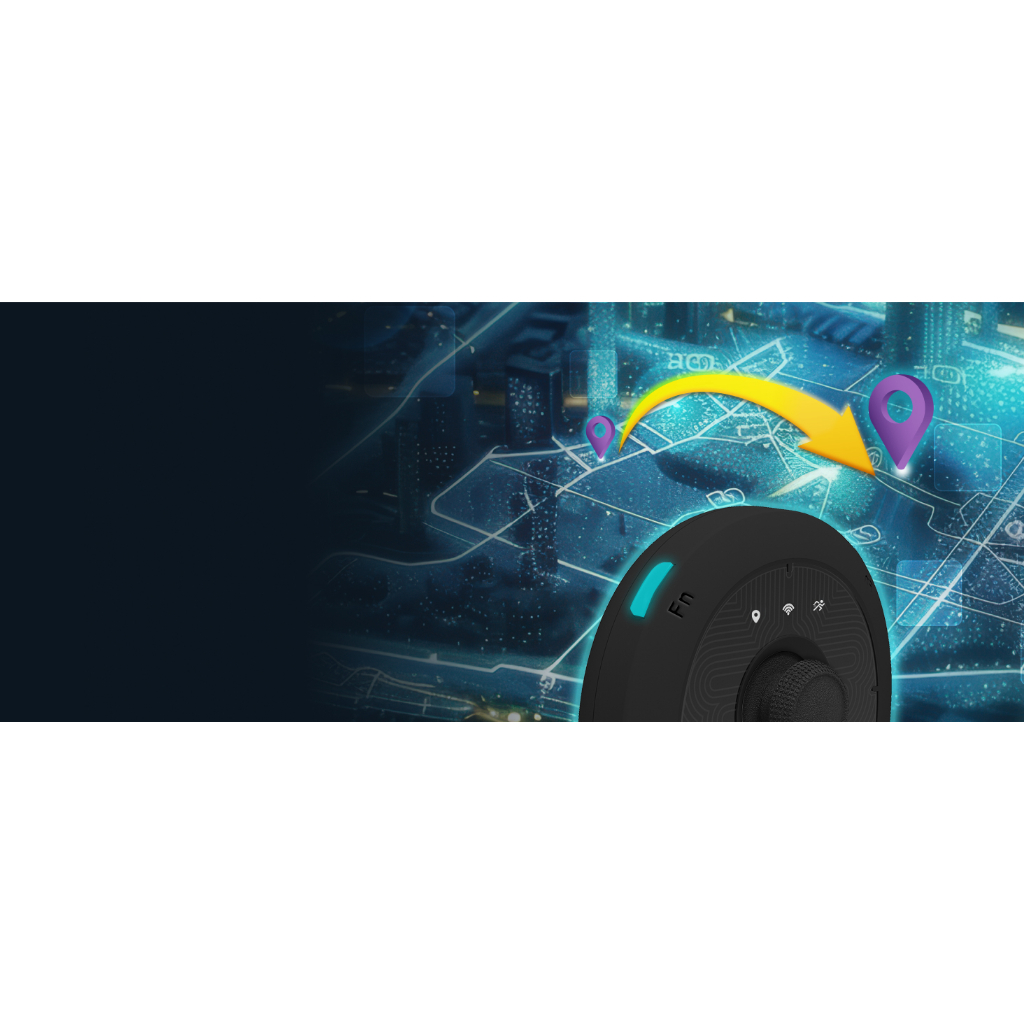
- Fly/Teleport Function: Move your virtual location to a selected destination in supported applications.
- Automatic Walking: Enable automatic movement without continuously controlling the joystick.
- Bluetooth Connectivity: Connect your device wirelessly to a compatible iPhone.
- No Jailbreak Required: Designed to provide virtual movement functionality without jailbreaking your iPhone.
- User-Friendly Operation: Convenient controls make it easier to manage virtual movement.
- Portable Design: A compact accessory that is easy to carry and use on the go.
Product Compatibility
- Compatible with supported iPhones running iOS 17 or later.
- Requires Bluetooth connectivity and the compatible Brook Flashman app.
- Functions may vary depending on the app version, device firmware, and supported game or application.
How to Use
- Install the compatible Brook Flashman app on your iPhone.
- Turn on the Brook Flashman device and connect it via Bluetooth.
- Follow the app’s setup instructions to configure the available movement controls.
- Use the virtual joystick, Fly/Teleport, or automatic walking features where supported.
- Enjoy a more flexible virtual movement experience.
Why Choose Brook Flashman?
Whether you prefer manual joystick control or automated movement, Brook Flashman offers a convenient solution for managing virtual movement on compatible devices. Its versatile controls, wireless connectivity, and no-jailbreak design make it an appealing accessory for users seeking greater flexibility in supported location-based games and applications.
Get your Brook Flashman today and enjoy a more convenient, flexible, and personalized virtual movement experience!